
This lets your AI agent learn directly from your website content.
It’s useful when you want your agent to answer based on your live pages like pricing, docs, or FAQs.
Steps
- Go to Edit
- Open Data Source
- Select the URL tab
- Click Add → Create Web Page
- Enter your website URL
- Choose how much to include:
- This page only (default)
- Entire site
- Entire sitemap
- Click Crawl
Your URLs will appear under New
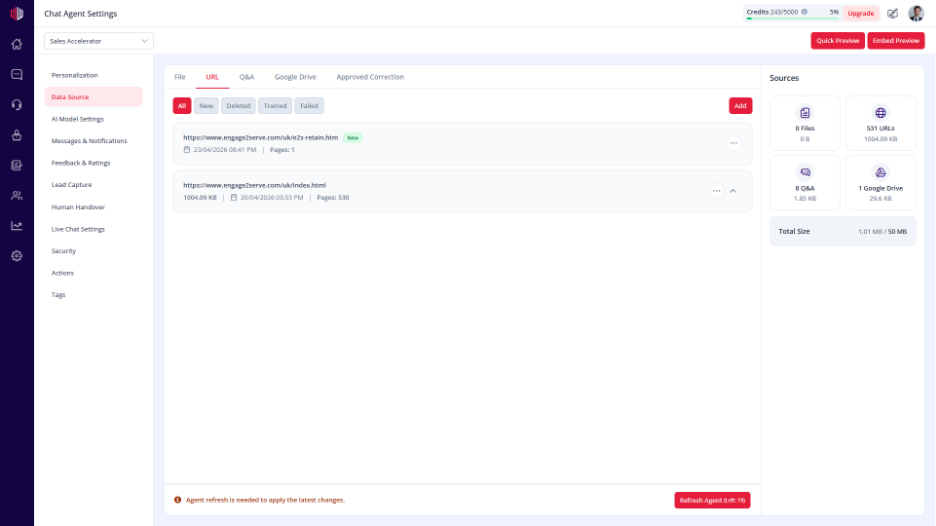
Train the URLs #
To make the data usable: Click Refresh Agent
After this:
- URLs move to Trained
- AI can answer using your website content
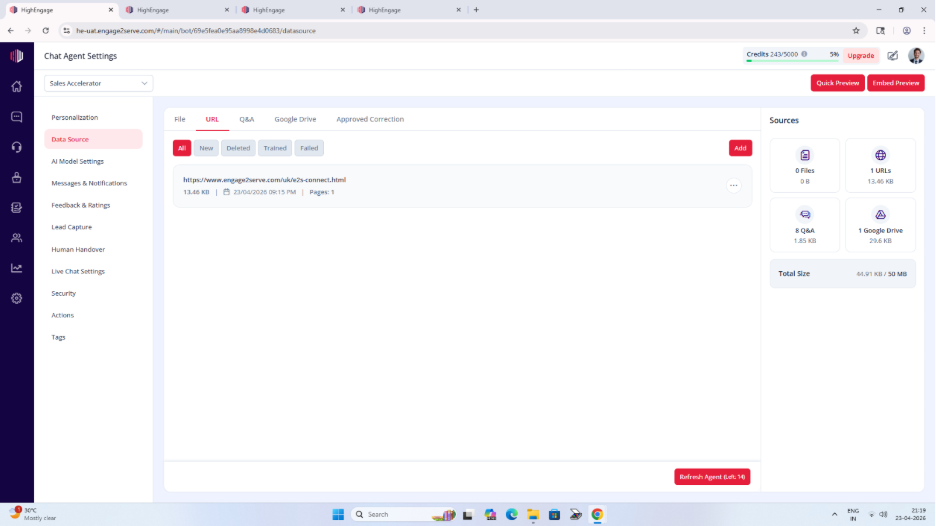
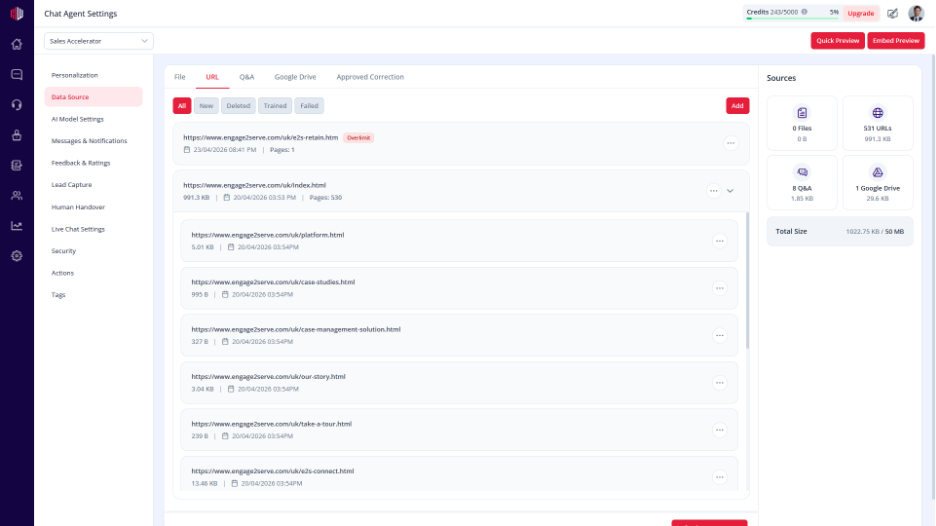
Update website content #
If your website changes:
- Click Re-crawl
- Click Refresh Agent again
This ensures that the AI uses the latest content.
Important Notes #
- URLs in New are not used by the AI
- Always click Refresh Agent after adding or updating URLs
- You can include or exclude specific pages
- Large websites may take longer to crawl
Next, go to Preview and test if your agent answers using your website content.
If you have any questions, concerns, or need further clarification, please contact support@highengage.com for assistance.


