
Agents in HighEngage have two states: .
Active #
- Agent is live and can respond to user conversations.
- Switch to this only after your agent is fully configured and tested.
Disabled #
- Agent is inactive and cannot respond to user conversations.
- Switch to this when the agent should be unavailable.
Changing Status #
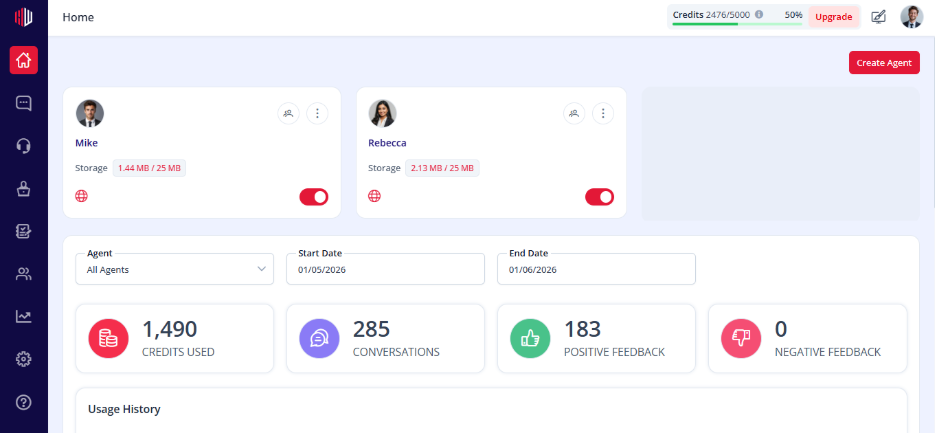
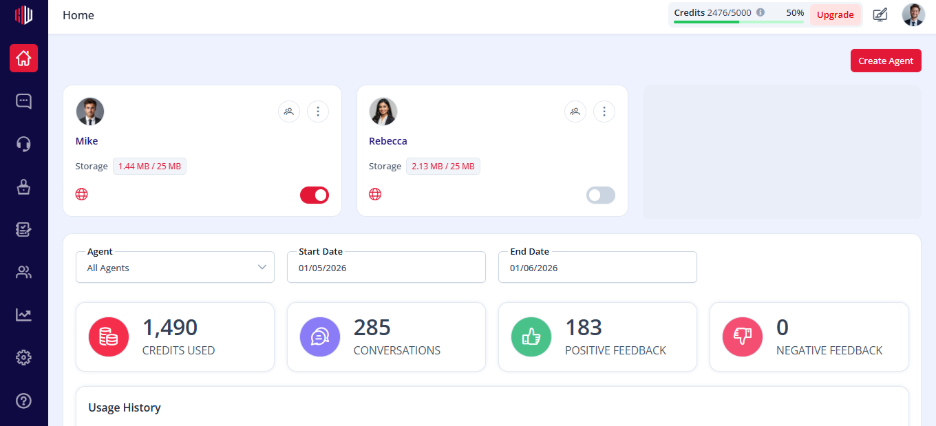
Use the toggle on the agent card:
- ON → Active
- OFF → Disabled
If you have any questions, concerns, or need further clarification, please contact support@highengage.com for assistance.


