
This lets you view and manage all user details collected by your agent.
It helps you track leads and take follow-up actions.
Steps #
- Go to Contacts
- Select your agent from the dropdown
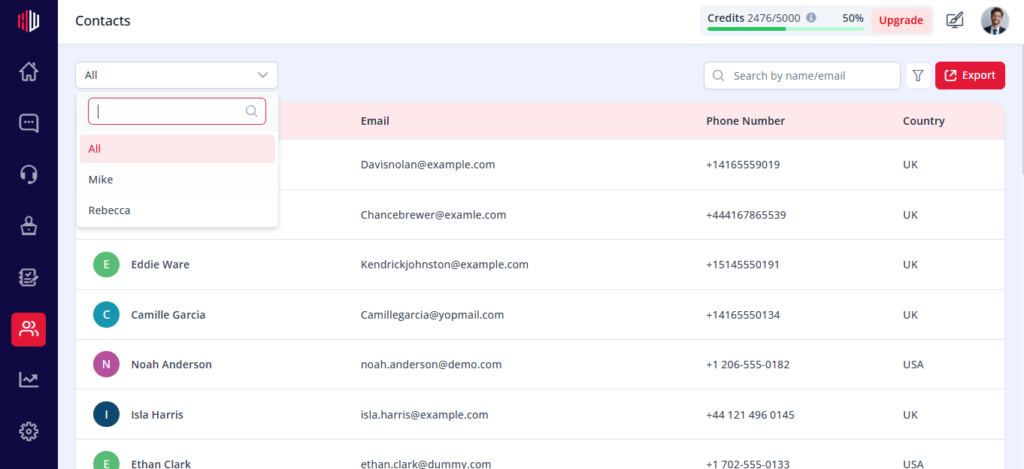
You’ll see a list of all captured leads.
What you can view #
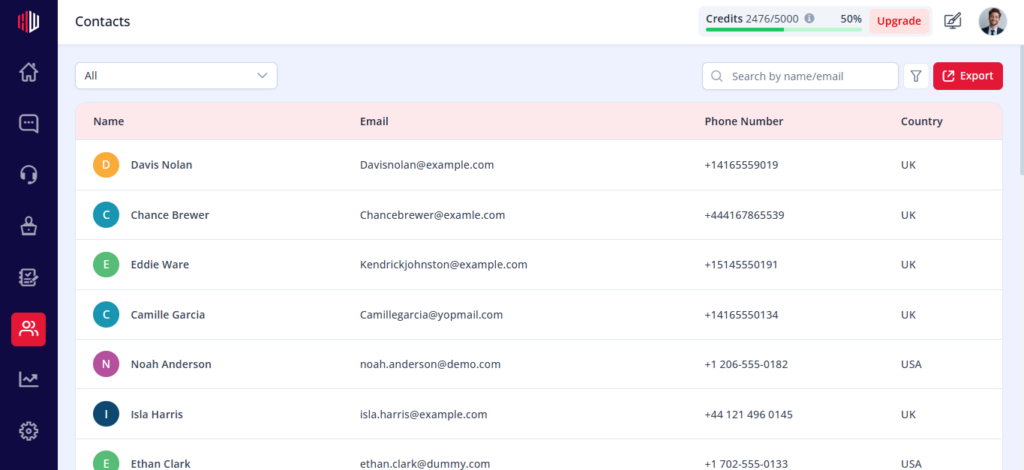
Each contact includes:
- Name
- Phone Number
- Country (if available)
How leads are created #
Leads are added when users:
- Submit details during Lead Capture
- Share information during Human Handover
Search and filter #
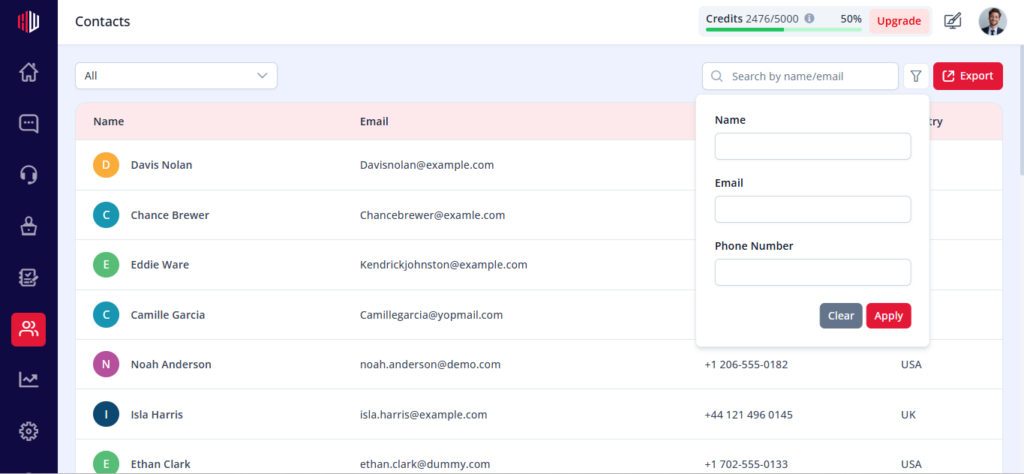
- Use the search bar to find contacts (name or email)
- Apply filters:
- Name
- Phone number
Export leads #
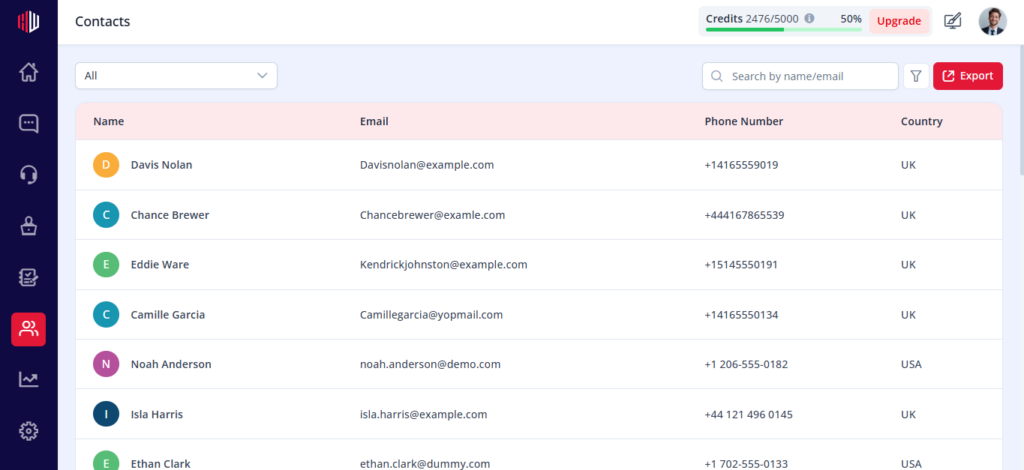
- Click Export
- Download your contact list
Useful for:
- CRM uploads
- Sales follow-ups
- Marketing campaigns
Important Notes #
- Each agent has its own contact list
- Only collected data is shown
- Data updates automatically after submission
Next, select a contact or export your list to start your follow-up.
If you have any questions, concerns, or need further clarification, please contact support@highengage.com for assistance.


