
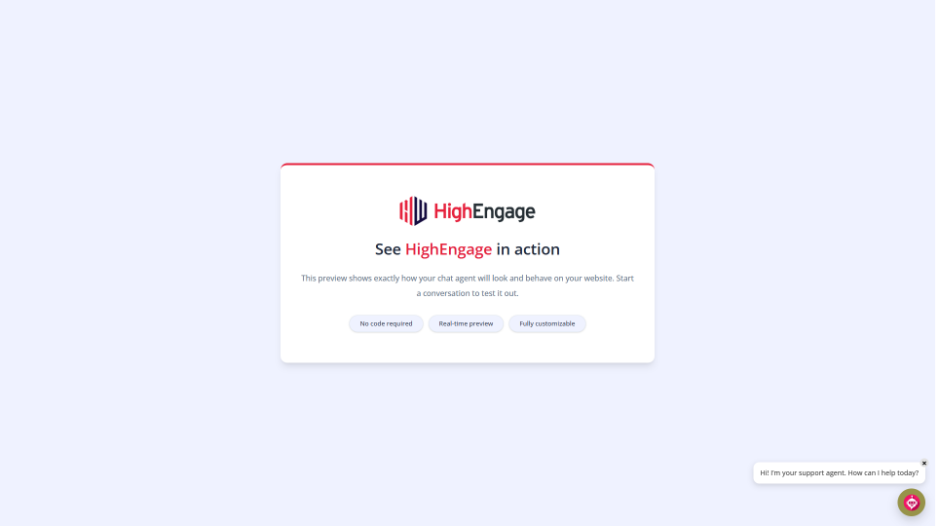
This explains how your agent’s avatar appears in chat messages.
The same avatar is used across the chat to keep the experience consistent.
How it works #
- The Agent Avatar is used in:
- Chat header
- AI message bubbles
- There is no separate setting for message-level avatars
How to update it #
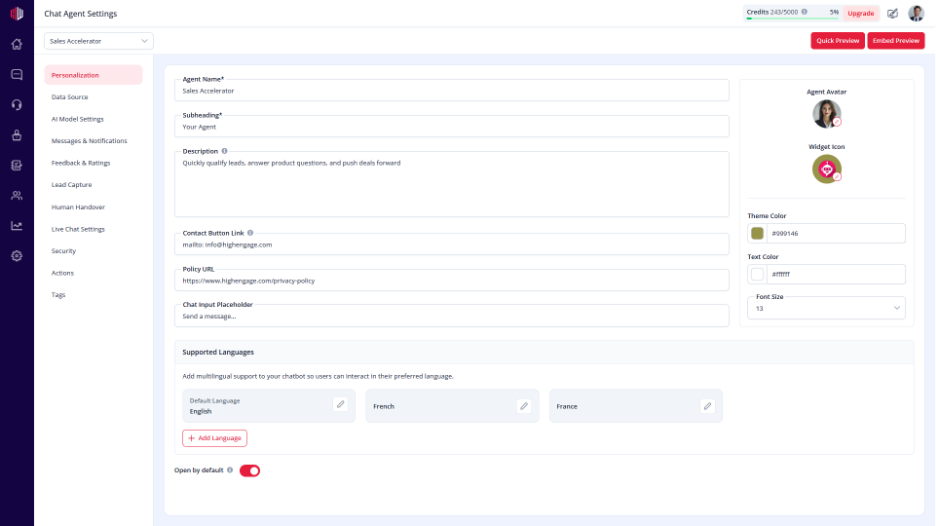
- View the agent in the dashboard
- Go to Edit
- Open Personalization
- Update Agent Avatar
What users see #
- The same avatar appears next to each AI response
- Creates a consistent and recognizable chat experience
Important Notes #
- One avatar is used across the entire chat
- Changes apply instantly
- Use a clear, square image for best results
Tips #
- Use your brand logo for identity
- Use a human-style avatar for a more personal feel
- Keep it consistent across all agents
Next, use Quick Preview to see how the avatar appears in chat messages.
If you have any questions, concerns, or need further clarification, please contact support@highengage.com for assistance.


