
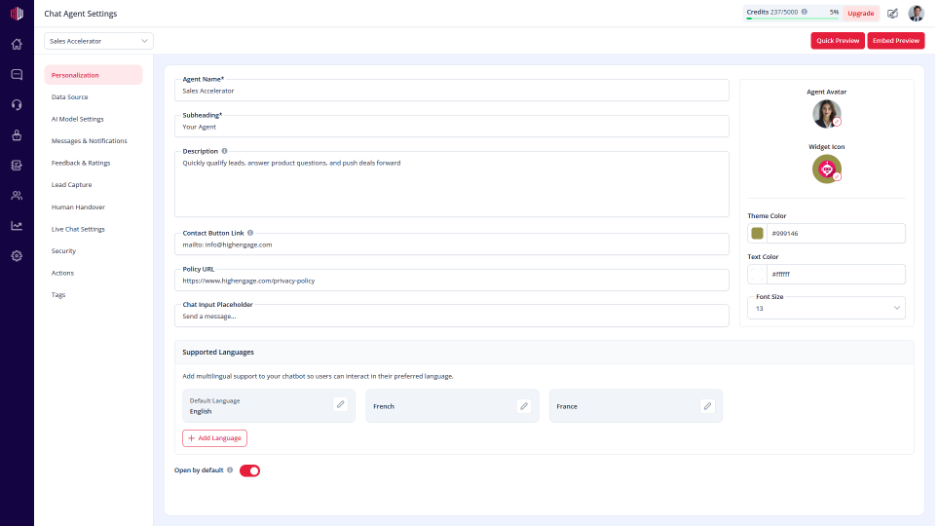
This lets you adjust how text appears in your chat widget.
Choosing the right size helps improve readability across desktop and mobile.
Steps #
- Go to your Agent Dashboard
- Click Edit
- Open Personalization
- Find Font Size
- Select your preferred size
What to consider #
- Smaller size → fits more content on screen
- Larger size → easier to read
Choose a size that works well on both desktop and mobile.
Important Notes #
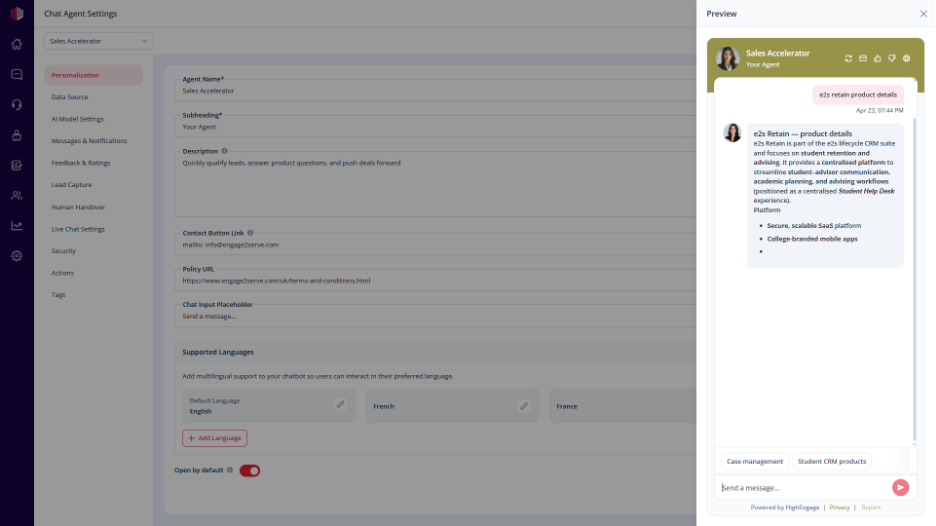
- Applies to all chat text
- Affects both user and AI messages
- Works with your selected Theme Color and Text Color
Next, use Quick Preview to check readability before going live.
If you have any questions, concerns, or need further clarification, please contact support@highengage.com for assistance.


