
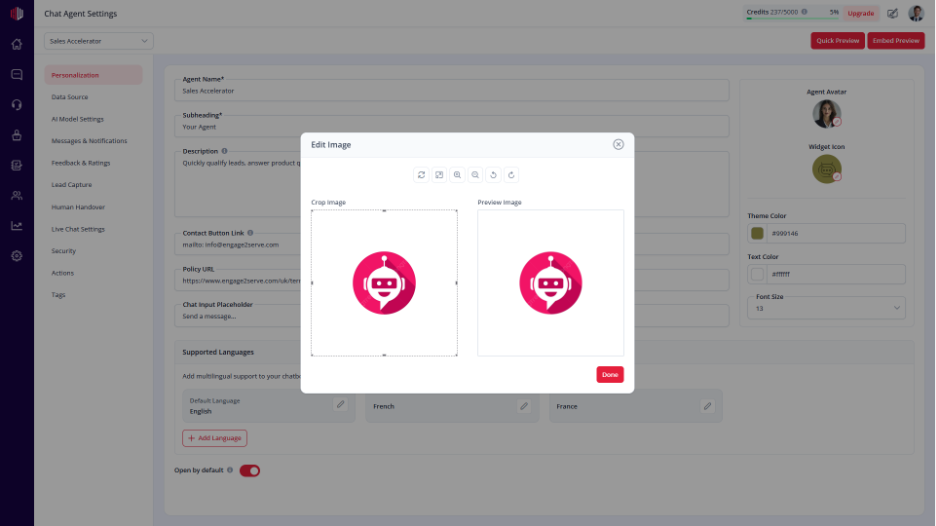
This lets you choose the icon users click to open your chat widget.
A clear icon makes it easier for users to notice and start a conversation.
Steps #
- Go to your Agent Dashboard
- Click Edit
- Open Personalization
- Find Widget Icon
- Choose an icon from the available options
What to consider #
- Pick an icon that matches your use case:
- Chat → general support
- Shopping → sales or products
- Calendar → booking or scheduling
- Keep it simple and easy to recognize
Important Notes #
- The icon appears as the chat launcher on your website
- It should be clearly visible to users
- It follows your selected theme color
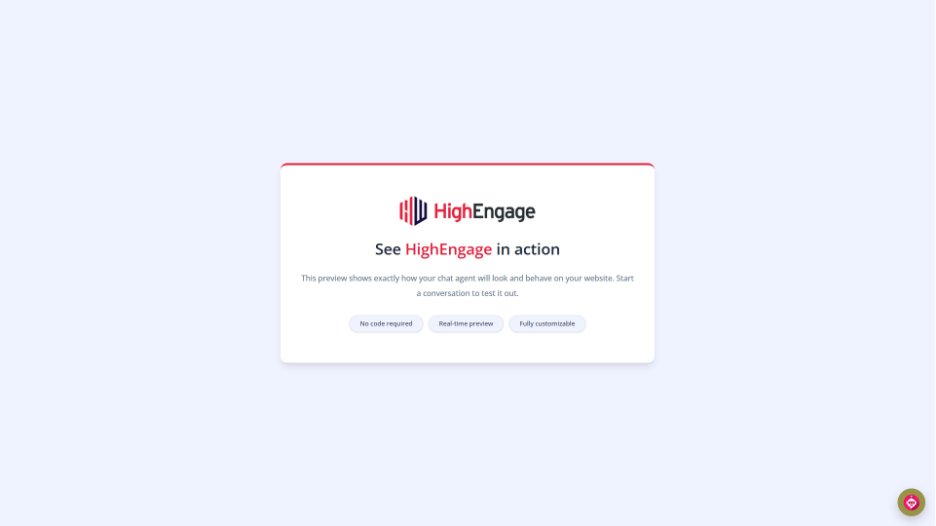
Next, use Embed Preview to check how the icon looks on your website.
If you have any questions, concerns, or need further clarification, please contact support@highengage.com for assistance.


