
- Go to the HighEngage login page
- Login using the option you used during your signup (Using Google or your email and password)
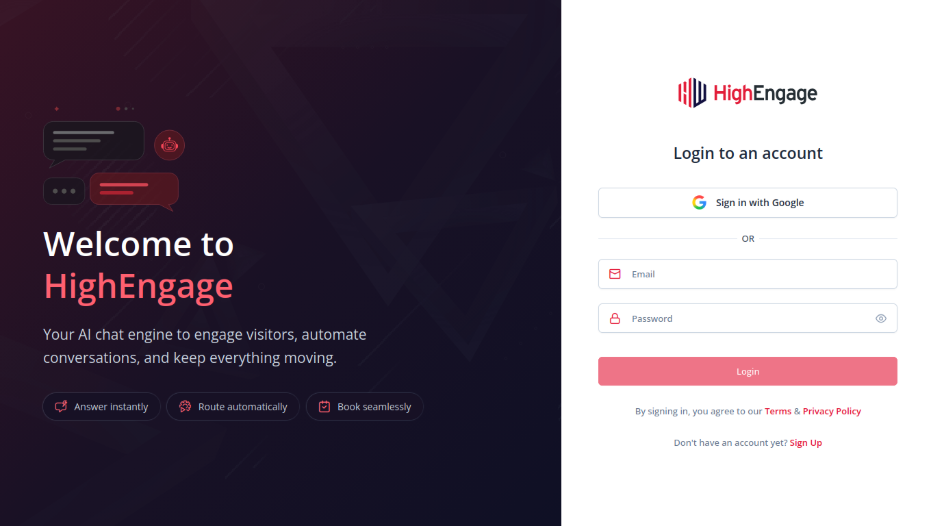
Option 1: Continue with Google #
- Click “Sign-in with Google”
- Select your Google account
- Complete authentication
You’ll be logged in instantly.
Option 2: Email & Password #
- Enter your registered Email address
- Enter your Password
- Click Login
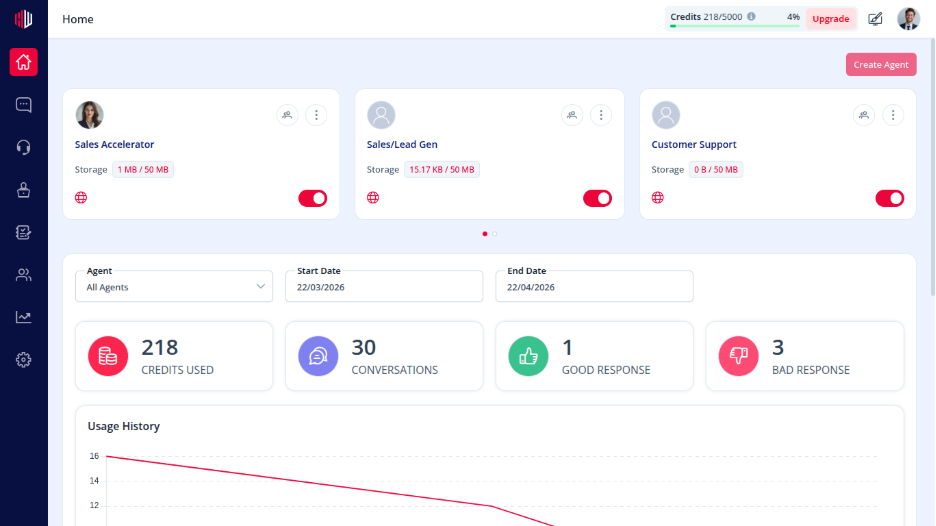
If your credentials are correct, you’ll will receive an OTP and your email. Once you enter the OTP, you will be redirected to your dashboard.
Common Login Issues #
- Incorrect password → Double-check your password and try again
- Email not found → Make sure you’re using the same email you registered with
If you have any questions, concerns, or need further clarification, please contact support@highengage.com for assistance.


