
HighEngage allows you to create your account using either Google Sign-In or your email and password. Both options provide the same access once you’re logged in — the difference is in how you sign in.
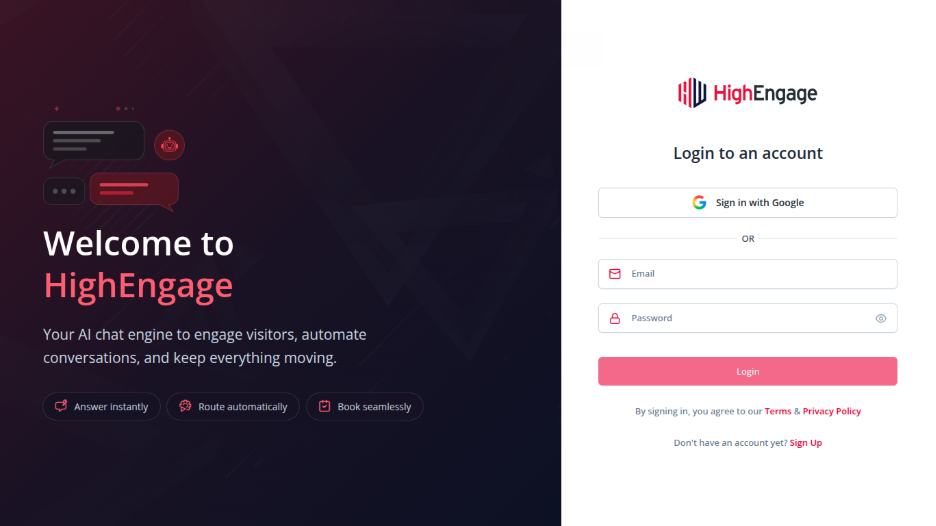
Option 1: Sign Up with Google #
- On the sign-up screen, click “Sign-in with Google”
- Select your Google account
- Complete the authentication
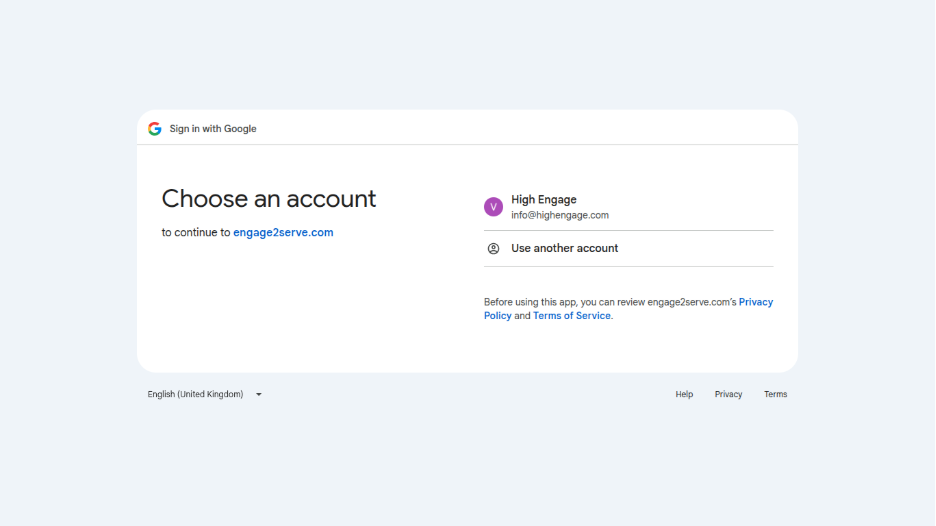
You’ll be logged in instantly and taken to onboarding.
Option 2: Sign Up with Email & Password #
- Enter your First Name and Last Name
- Enter your Email address
- Create a Password
- Confirm your password
- Click Sign Up

- You will receive an OTP on your Email address for verification and once you enter it your account will be created
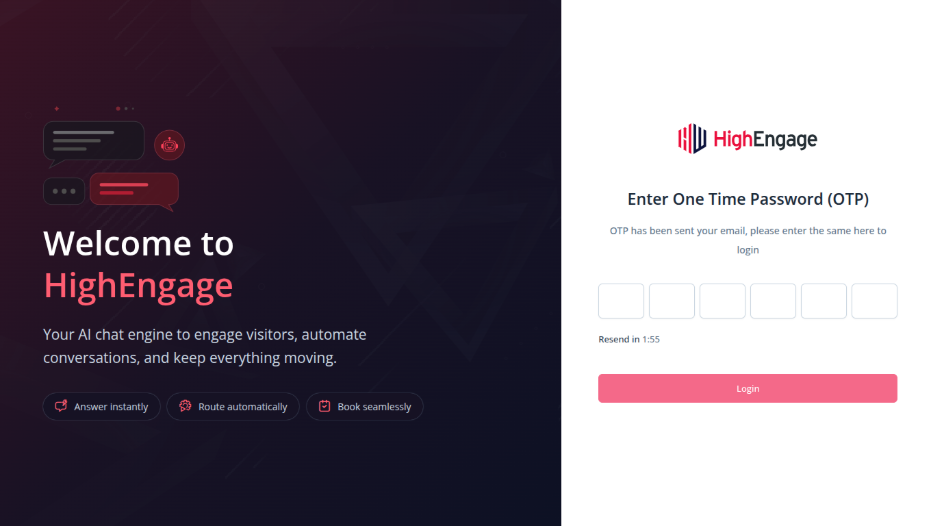
Once done, you’ll be guided to onboarding.
Which Option Should You Choose? #
- Use Google Sign-In for a faster, password-free experience
- Use Email & Password if you prefer to manage your login credentials manually
Both options provide the same functionality inside HighEngage.
If you have any questions, concerns, or need further clarification, please contact support@highengage.com for assistance.


