
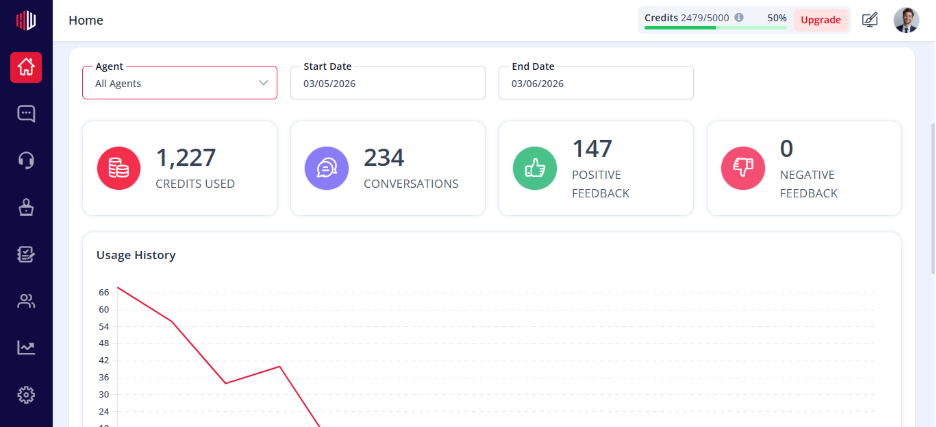
This lets you see how users rate your chatbot and where improvements are needed.
It helps you track performance using real user feedback.
Where to find it #
- Go to Dashboard
- view Analytics
- Select your agent
What you can view #
- Conversation ratings (positive vs negative)
- Survey responses
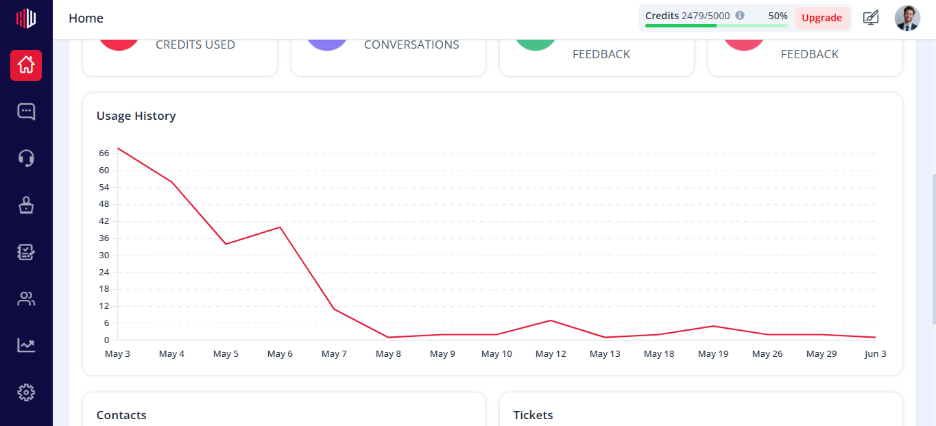
- Feedback trends over time
How to use it #
- Identify low-rated conversations
- Spot common issues or gaps in answers
- Prioritize what needs fixing
Where to act on feedback #
- Go to Corrections → fix incorrect answers
- Update Data Source → improve knowledge
- Adjust Prompt / Role → refine behavior
Important Notes #
- Data updates as new feedback is collected
- Each agent has its own analytics
- Works best when feedback features are enabled
Tips #
- Review analytics regularly
- Focus on repeated negative patterns
- Combine ratings + survey responses for better insights
Next, open a few low-rated conversations and fix them using Corrections.
If you have any questions, concerns, or need further clarification, please contact support@highengage.com for assistance.


